Showing posts with label Scroller. Show all posts

Sunday, June 13, 2010

jQuery plugins

jquery calendar thumb
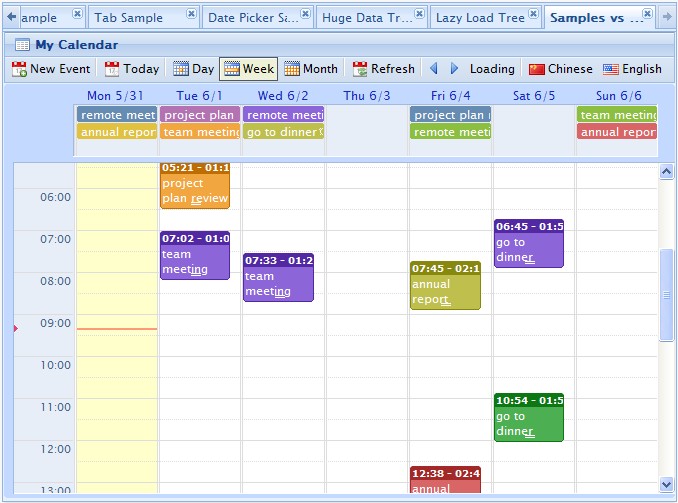
wdCalendar is a jquery based google calendar clone. It cover most google calendar features.
  • Day/week/month view provided.
  • create/update/remove events by drag & drop.
  • Easy way to integrate with database.
  • All day event/more days event provided.
See it in actionCheck documentation | download
jquery calendar thumb

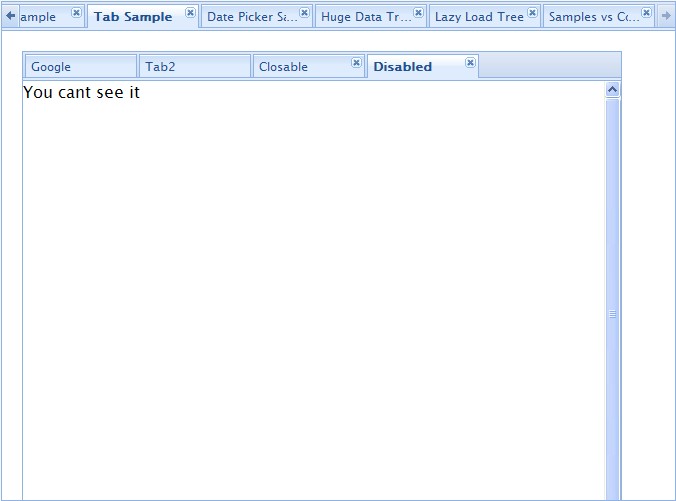
wdScrollTab is a tab panel which has ability to scroll for tabs that do not fit on the page.  It supports iframe, ajax call and dynamically loaded content.
  • croll tab in case of too many tabs.
  • dynamical/remove hide.
  • rich javascript API
See it in actionCheck documentation | download
jquery calendar thumb

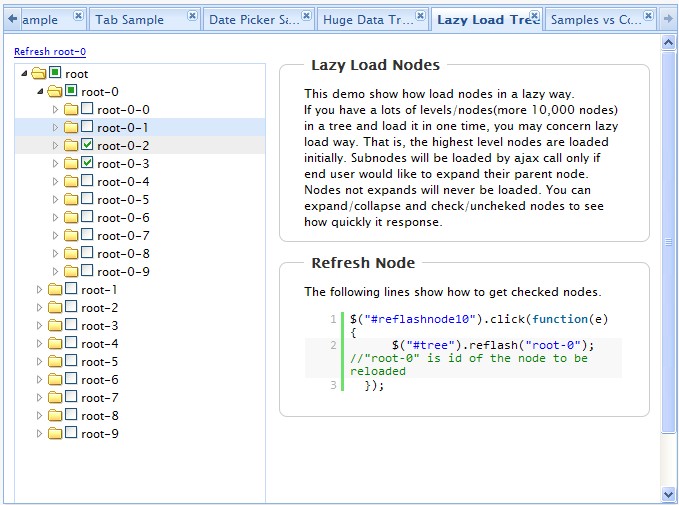
wdTree is lightweight jQuery plugin for present tree with nested check boxes. Features highlighted:
  • parents/children checking
  • lazy load from database
  • configurable node attributes
See it in action Check documentation | download
jquery calendar thumb
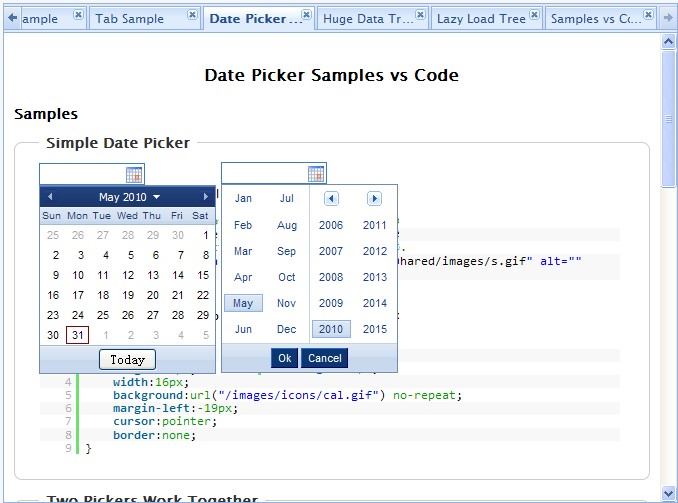
wdDatepicker is a plugin for the jQuery library which make it easy to enter dates into web forms.
It’s also support month and year dropdown list for choose.
See demo & docs | download
jquery calendar thumb
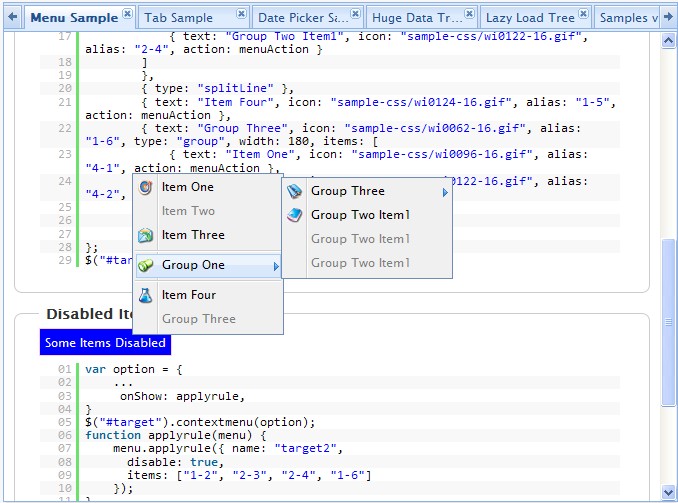
wdContextMenu is is very lightweight jquery plugin for right click menu.
  • Item specific. Context menu for specific area
  • Dynamical disabled menus/items
See demo & docs | download

Tuesday, January 27, 2009

ScrollBox.js

Usage

Simply create a new ScrollBox object and pass in the element you would like to become a scroll box. Note that the element passed used to create the object must be positioned either relative or absolute. The example css file includes this directive on the first line.

Example:
var sb = new ScrollBox($('description_box'));

Full documentation will follow when I have time. For now, there is a complete implementation example included in the zip.

Features

Fully customizable, mostly though simple CSS changes. A sample implementation is included in the download. Supports scrolling with the mouse wheel. The buttons support clicking and holding, the scrollbar has multiple selectable behaviors, and the handle is fully functional. Supports keyboard events up, down, page up, page down, home, and end. Works with named anchors.

http://theblogthatnoonereads.tunasoft.com/2007/04/08/scrollbox_js/